 LAUNCH0:21
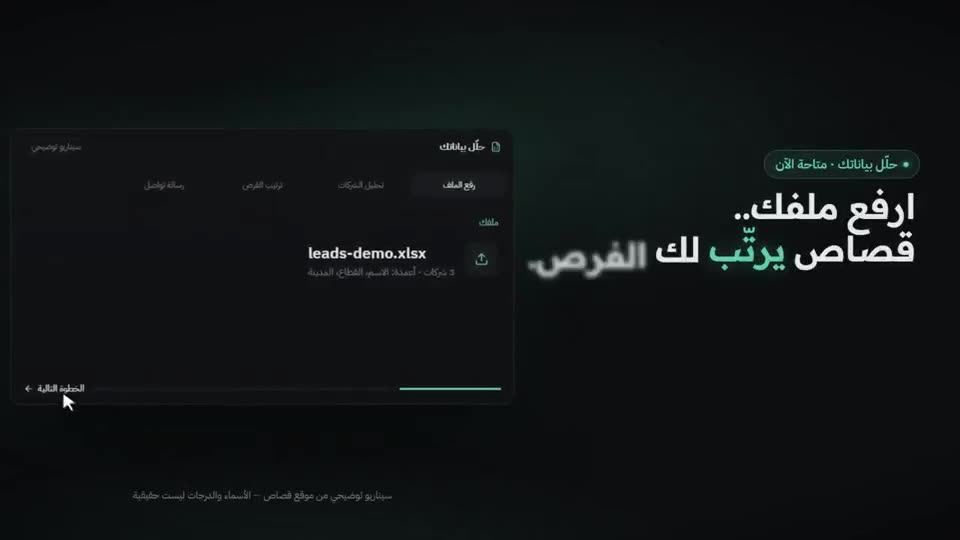
Launch video for an app, made with /brag
The agent turned a project into a polished launch clip with music and motion, with no manual editing.
Pointing /brag at a repo gave back a launch video with music, motion and share copy.
Video: @GedawOui on X, shown with credit. Press play; sound is on unless you mute it.
A reference for what brag can make. The creator links the repo in the post itself. We checked the link: github.com/latent-spaces/brag.
The video belongs to its creator and is shown with credit. Want it removed or credited differently? Tell us.
LAUNCH0:21The agent turned a project into a polished launch clip with music and motion, with no manual editing.
 LAUNCH0:25
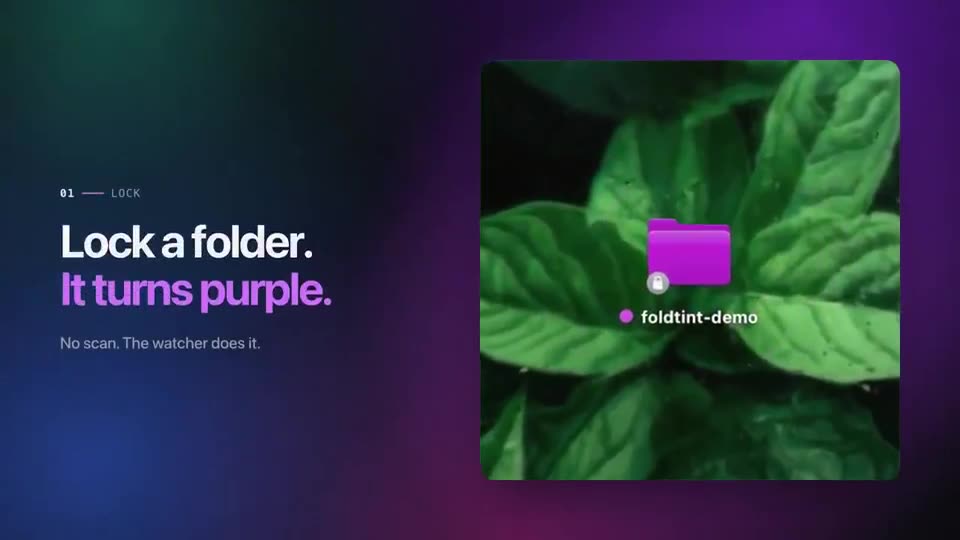
A launch video for a small app, built with the brag skill.
 LAUNCH0:21
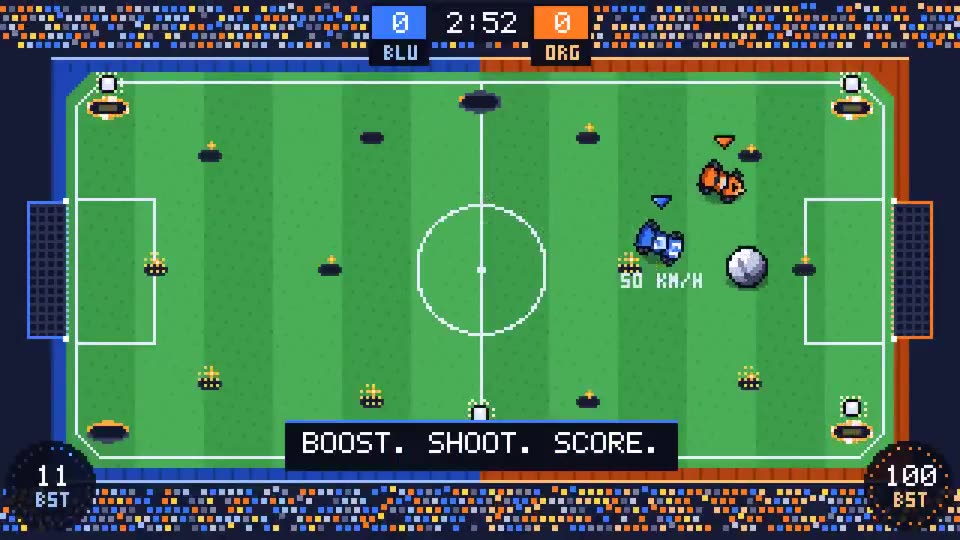
The agent built a pixel Rocket League-style game and then used brag to make its intro video.
 LAUNCH0:28
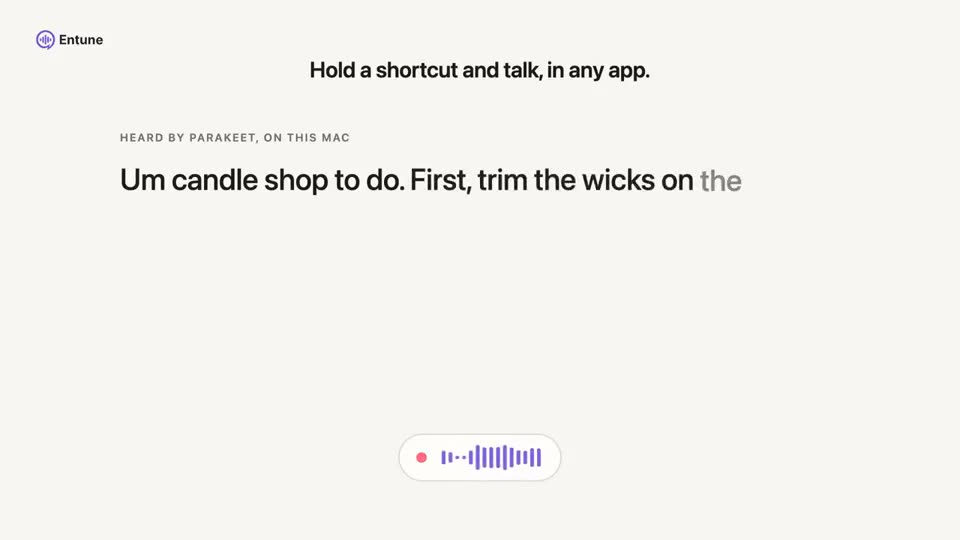
BRAG read the project code and produced this launch video.
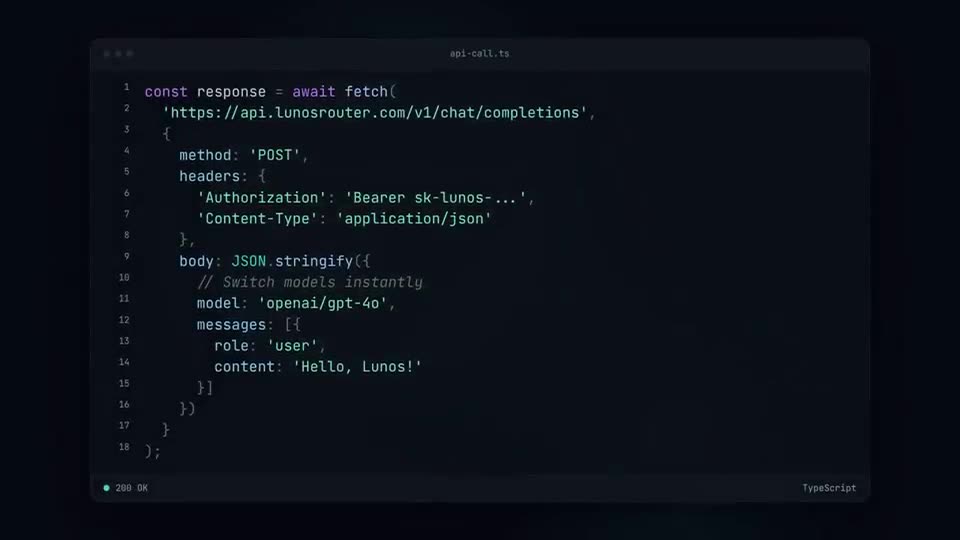 LAUNCH0:23
The boring part after shipping, done in one command: two launch clips with music, animation and captions.
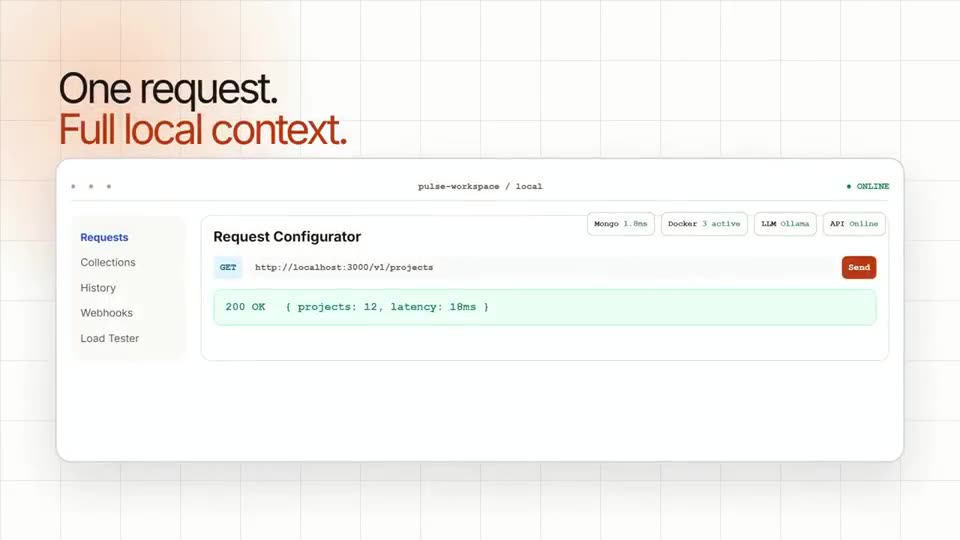 LAUNCH0:20
Running /brag on a project produced this launch video.